
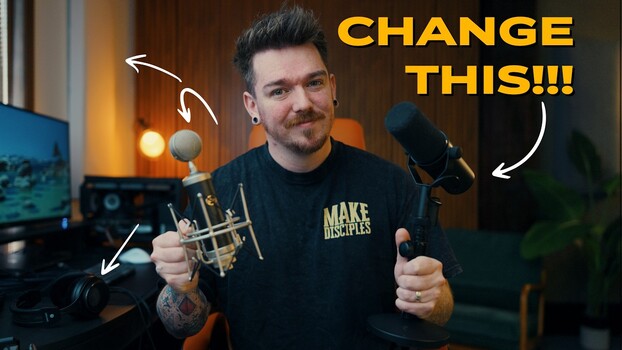

Good video falls apart fast when the audio is weak. Clean, controlled sound changes how your work feels, even if the visuals stay the same.
Coming to you from Thomas J McClure, this practical video breaks down four specific ways to improve the sound of your videos without overcomplicating the process. McClure starts with mic placement, and he does not sugarcoat it. If the mic sits six feet away on top of the camera, the result will be thin and hollow. He shows how bringing the mic close to your mouth instantly adds clarity and presence. Even a high-end shotgun like the Sennheiser MKH 416 cannot fix bad placement. Then he compares two popular studio options, the Blue Baby Bottle and the Shure SM7B, both around $400, and explains why voice and room matter more than price.
McClure makes a clear distinction between condenser and dynamic microphones. The Baby Bottle sounds crisp and detailed, but it captures everything in the room. The SM7B is more forgiving in untreated spaces. You hear this difference when he moves from a treated office to an empty room across the hall. Same voice, same mic, completely different result. That shift alone makes the case for handling your space before obsessing over gear. He also explains that preference plays a role. One mic may flatter your voice more than another, and you will not know until you test.
Room treatment takes up a large part of the video, and this is where many skip steps. McClure shows simple acoustic blankets behind the camera and explains that even moving blankets help. They may not look great on camera, but they absorb reflections that cause echo. He builds his own acoustic panels using 1×3 lumber, fabric, and Rockwool Safe’n’Sound insulation. Each panel costs roughly $15 to $20 to make, far less than prebuilt options. He stresses safety when handling insulation and points out that ceiling panels made the biggest difference in his office. Slat wall panels add both absorption and a finished look, though they cost more at about $50 per 1 ft by 8 ft section.
The video then shifts to editing. McClure treats audio like color grading. Start flat, then shape it. He uses a 10-band EQ in Premiere Pro and explains how he cuts midrange to reduce muddiness in his voice while slightly boosting lows. He warns against pushing high frequencies too far since harsh “S” sounds become piercing fast. Compression comes next, especially if you want that tighter, podcast-style tone. Finally, he covers something many overlook: monitoring. He moved from consumer Sony wireless headphones to the open-back Shure SRH1840, which are designed for neutral editing. Consumer music headphones often exaggerate certain frequencies. That leads to bad decisions in post, and he admits he did not catch harshness in his own edits until switching. Check out the video above for the full rundown from McClure.